Scrapbook Core
I have gotten pretty good at saving interesting things that I see on the internet. Anytime I read something I think I might want to reference, show someone, or think about later, I chuck it into my bookmarks. I've done this for over 10 years now, making little notes of my favorite things while wading through the ever-expanding deluge of "content." Now I want to take a step back and map the constellations that emerge.

All of these things — mastodon posts, pinboard bookmarks, github activity, are.na blocks — can be thought of as various scraps of paper sitting on my desk, clipped out from some source material. But first I needed to reclaim my data from the various services in which they live. Scrapbook-core is that engine: a scraper for my Pinboard bookmarks, are.na blocks, public GitHub actions, and Mastodon posts, all coordinated in an index file that handles rate limiting, sequencing, and the CLI options, landing everything in one database — the substrate everything else (the CLI, the scrollers) reads from. Every bookmark gets fetched and summarized into a standalone list of facts, tagged, embedded for similarity searching and clustering, and mined for relationships — [Person:Stewart Brand] -[:CreatedBy]-> [Publication:Whole Earth Catalog] — that I can easily turn into nodes and edges with some lightweight regex parsing.
Even though no one will likely be using this specific tool except for me, I will be practicing a bit of self care in the form of a well-crafted tool that I can find, and most importantly, figure out how to use months or years down the line. The ability to own, possess, remix, and re-explore my own data is crucial for me to make sense of the world. It's how I access my own thoughts, understand how I think about things, and to find creative paths forward and decide what is worth focusing on. If I gave up those responsibilities to a faceless algorithm whose goals are quite different from my own, I would be giving up quite a lot. You are what you eat.
The full story: My Modern Scrapbook.
The scrapbook family
Scrapbook CLI
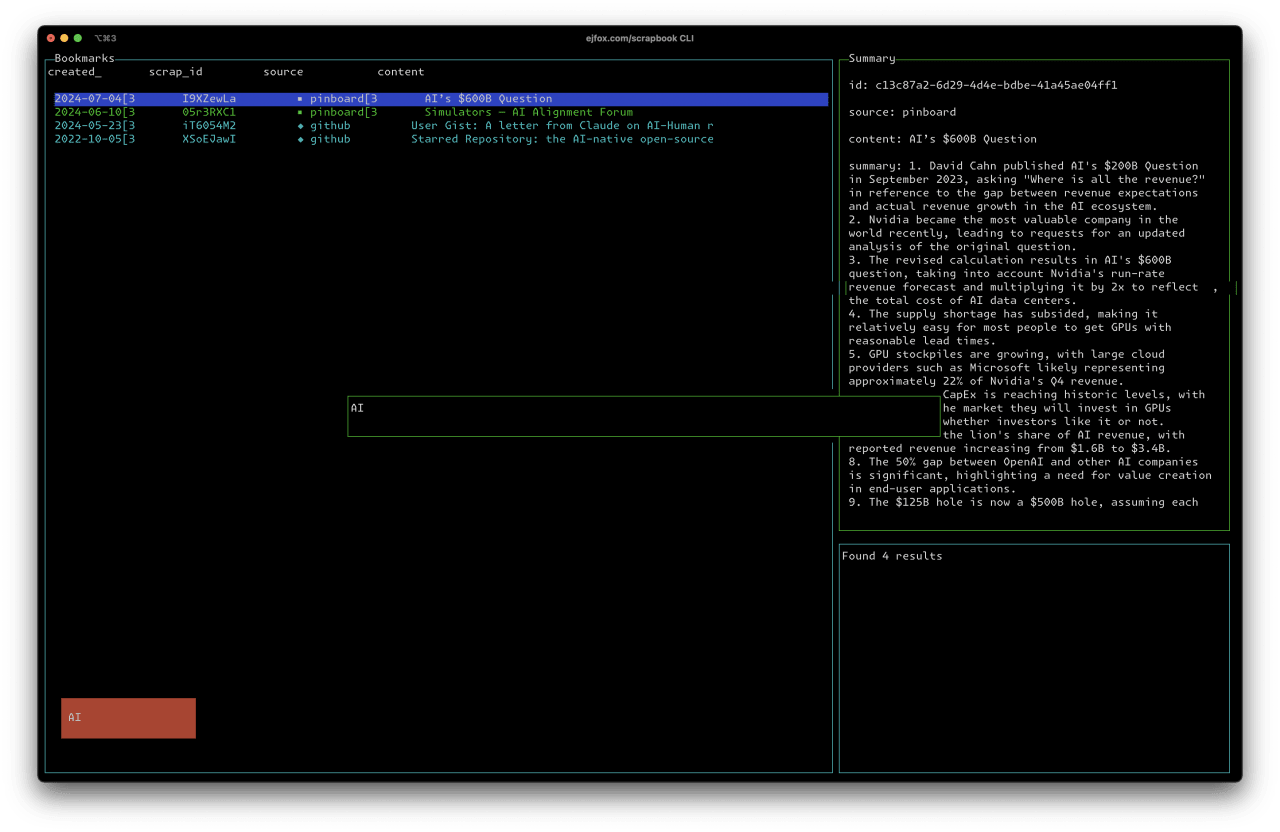
Scrapbook CLI is a command-line interface for exploring the scrapbook — browse bookmarks, run full-text search, and read an AI summary of each scrap without leaving the terminal. The interface is built from blessed widgets, including a mini-map.
Scrapscroller

Scrapscroller turns the scraps into a scrolling feed, with a source and tag sidebar and running stats.
Arena Cards
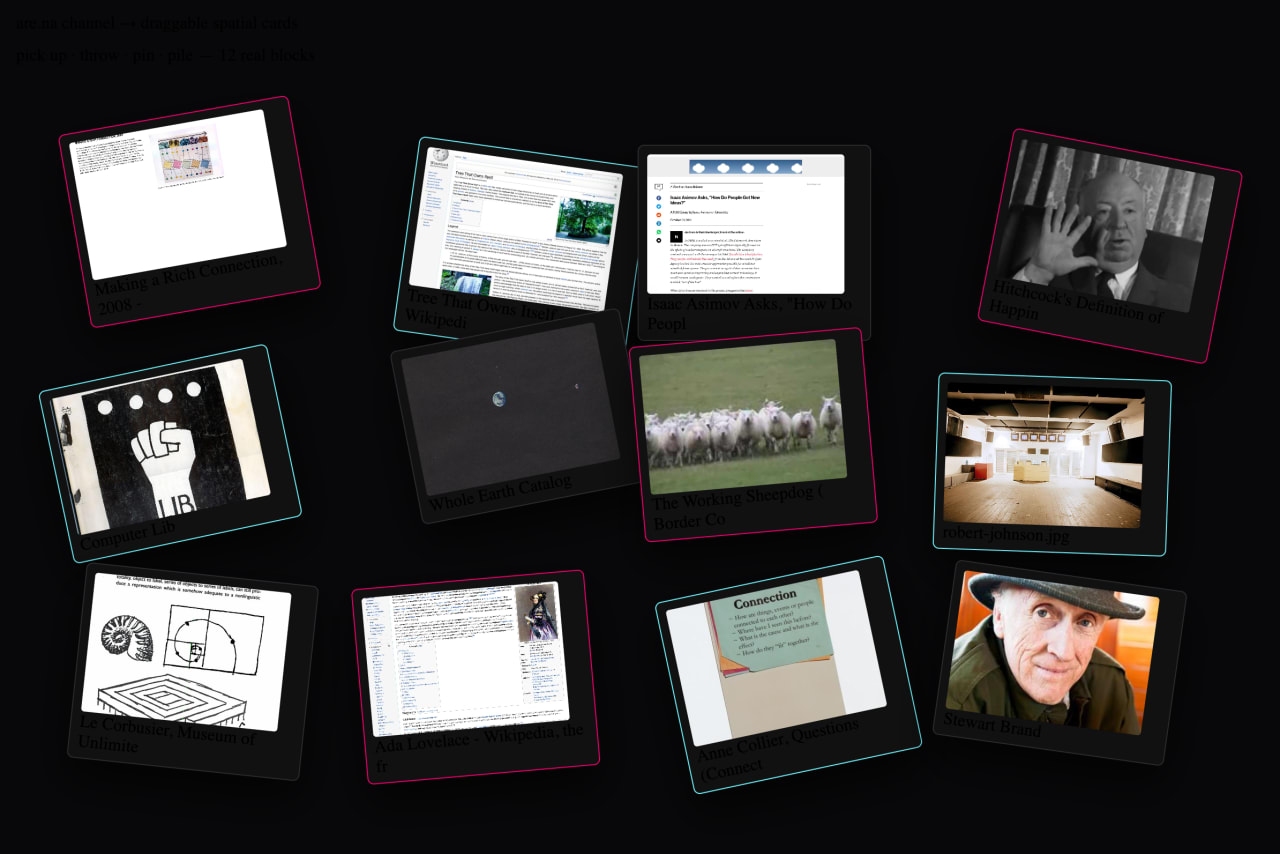
Arena Cards turns an are.na channel into draggable cards for spatial thinking. It was originally made for a YouTube video exploring the are.na API and taking control of your own data.
Retroscope

Retroscope uses an AI to generate text descriptions of every screenshot stored in Cloudinary.
Photos
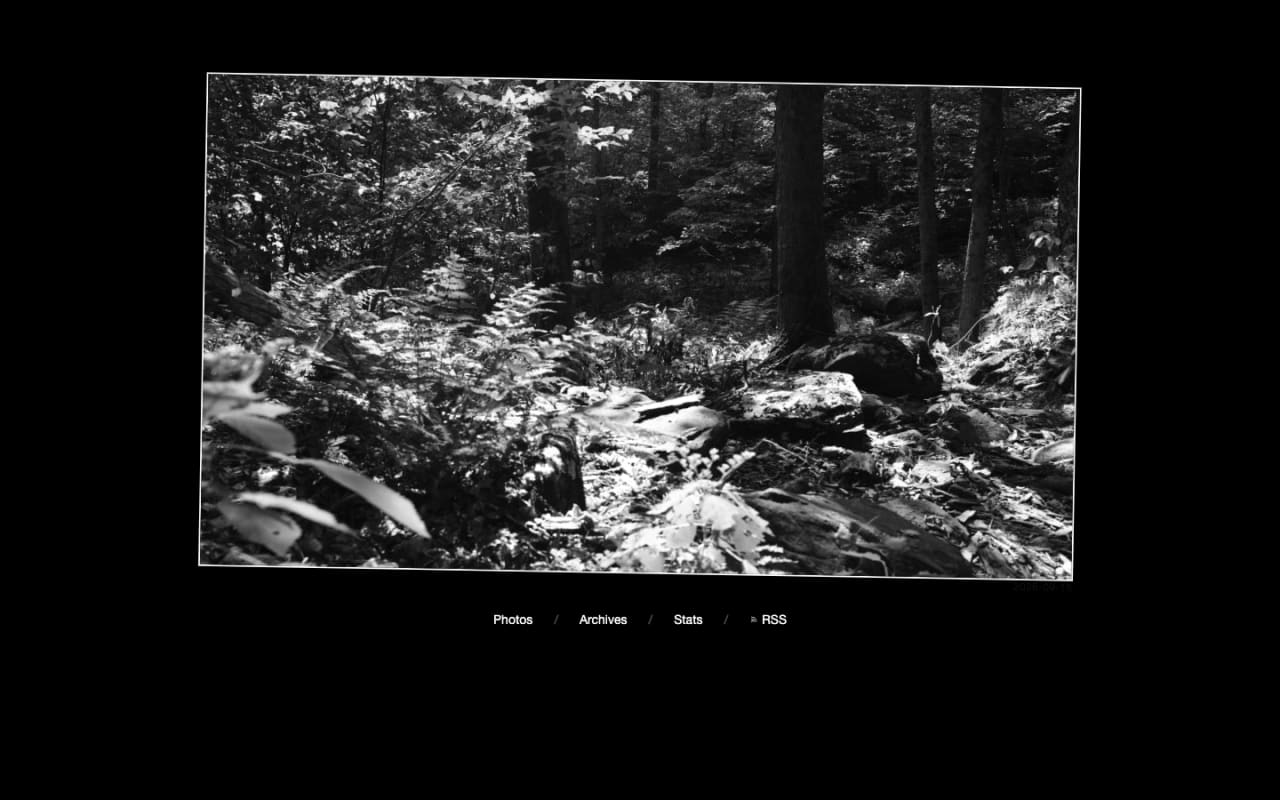
Photos is the photo blog and the custom media-organizing and publishing app behind it. It's Nuxt and Cloudinary, fed by bash scripts and Apple Automator, for getting photographs from camera to web.